Passkeys
A passkey is a key pair for one site. The site keeps the public key. Lasbolt keeps the private key and signs the login. You do not type a password, and the key never goes to the site.
Lasbolt passkeys are synced passkeys. They sync to your other devices like any item. They are end-to-end encrypted: the server sees ciphertext only. Lasbolt cannot keep a passkey in a folder that the server can read.
What works today
| Where | Passkeys |
|---|---|
| Android 14 or later, in Chrome, Firefox, Samsung Internet, Brave, Edge, Vivaldi and DuckDuckGo | Save and sign in. See Android app. |
| Android apps that are not browsers | Not yet. |
| iOS and macOS | Not yet. |
| Browser extension | Not yet. |
| Web app | Shows the site, the account and the date of a passkey, and deletes it. It never signs. |
| CLI | lasbolt passkey ls lists passkeys (no key). Import and export: see Import from Bitwarden. |
On Android
Turn Lasbolt on as a provider
Settings, then Passkeys, then “Open settings”. Turn on Lasbolt in the list of Android.
Save a passkey
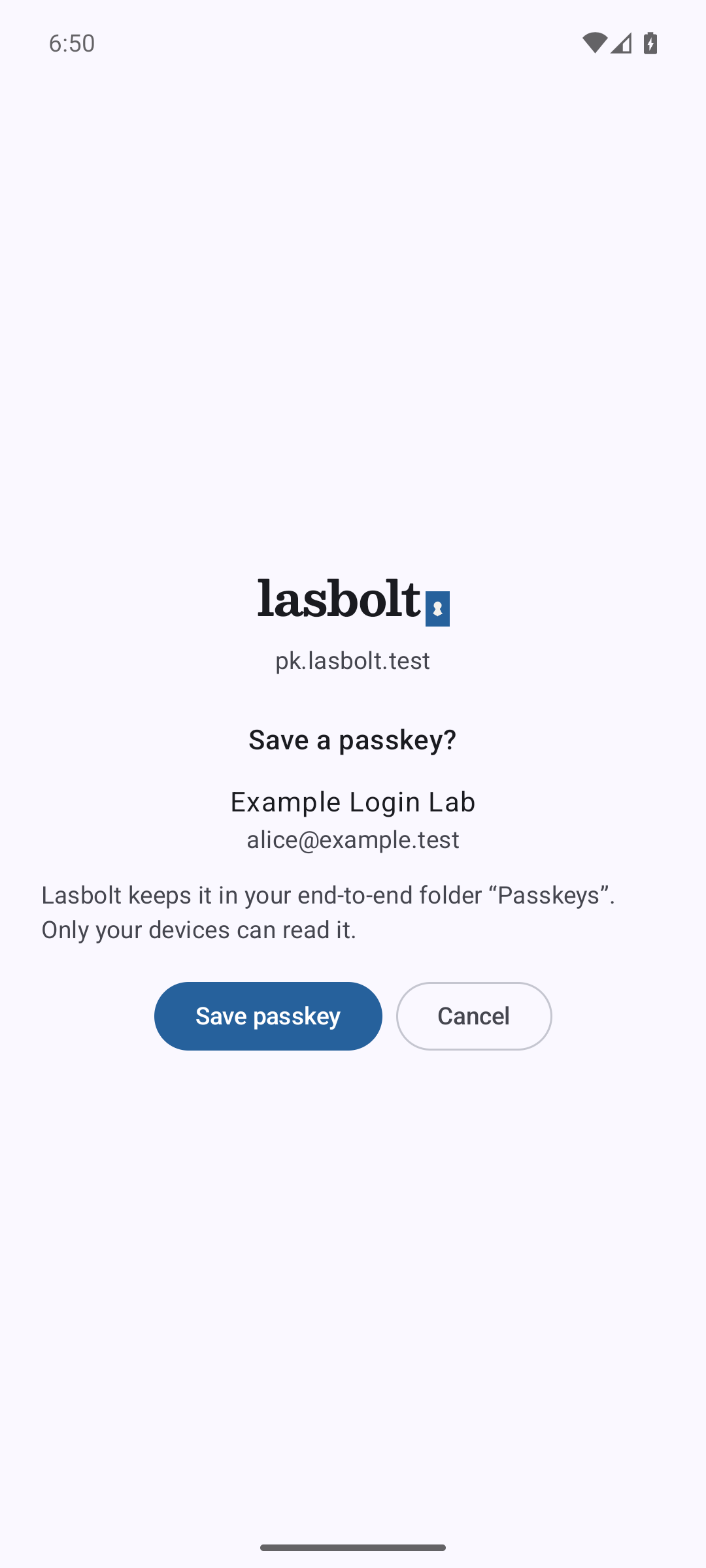
Choose Lasbolt in the Android sheet, check the site and the account, tap “Save passkey” and confirm with your fingerprint, face or screen lock.
Sign in
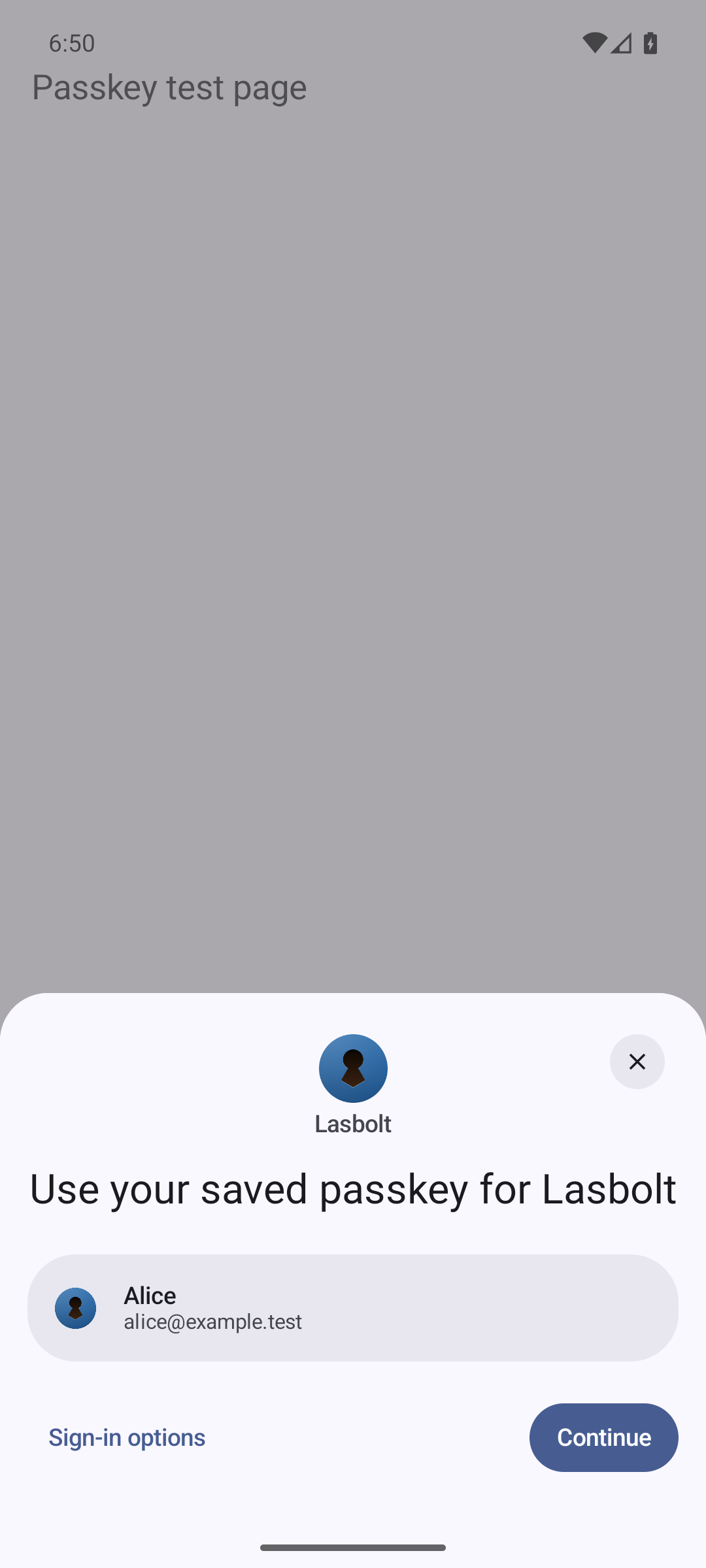
Choose your passkey in the Android sheet and confirm. A locked vault shows “Unlock Lasbolt” and no passkey name until you unlock it.
Rules
- Where it saves. A new passkey goes in a new login item in your end-to-end folder “Passkeys”. Lasbolt makes the folder the first time. You can move the item later.
- Each use needs you. Lasbolt asks for a fingerprint, face or screen lock each time, or for your master password if you unlock with it. A phone with no screen lock cannot use passkeys.
- Trusted browsers only. Lasbolt answers only for a browser that it can check by name and signing certificate, and that tells it the real address of the page. The same list as for autofill. A request from any other program gets nothing.
- The site is checked. Lasbolt signs only for the site of the page. A page cannot ask for the passkey of another site.
- No agents. A script, a scoped key or an AI agent cannot use a passkey, and the MCP server has no passkey tool.
- Sign count 0. Sites cannot find a copied passkey with the counter. This is the same for all synced passkeys.
- Delete with care. A passkey that you delete stays in the history of its item, like an old password. First remove the passkey at the site. Then delete the item for good.
Limits
- Passwords are not part of the passkey provider. They fill through autofill.
- If a site already has a passkey of the account in Lasbolt, Lasbolt offers no second one.
- There is no choice of the item or folder when you save. You can move the item afterwards.
- Chrome and Firefox are checked by their signing certificate. A test with a real browser is a manual step; the automatic tests use a test site and a fake caller on the emulator.